Wix is the better choice for most small businesses: you can build a site in an afternoon, bookings, stores and marketing tools are built in, and Wix sites pass Core Web Vitals more often than sites on any other major builder. Webflow is the better choice when a designer builds the site and a marketing team runs it: you get precise control over layout and animation, a structured CMS for hundreds or thousands of pages, and clean, fast output, in exchange for a real learning curve.
This comparison is for business owners and in-house marketers choosing a platform for their own site. If you're a designer or agency comparing the professional tools, read our Wix Studio vs Webflow comparison instead.
Key takeaways
- Pick Wix if you'll build and run the site yourself and need bookings, a store or marketing tools in one place.
- Pick Webflow if a designer builds the site and you'll publish lots of structured content: its Premium plan holds 20,000 CMS items.
- Webflow's site plans cost $15 (no CMS) and $25 (with CMS) a month billed yearly, as of October 2026; Wix has a free plan and prices its paid plans by country.
- Wix sites pass Core Web Vitals on mobile more often than Webflow sites: 80.9% vs 71.3% (HTTP Archive, September 2026).
- Both handle the SEO basics. Wix gives you more built-in tools; Webflow gives you more control over the page itself.
Webflow vs Wix at a glance
| Wix | Webflow | |
|---|---|---|
| What it is | All-in-one drag-and-drop builder (Wix Editor and the AI-assisted Wix Harmony editor) | Visual web design platform built on HTML and CSS concepts, with a CMS |
| Who builds the site | You, without design or code skills | A designer, or you after a few weeks of learning |
| Learning curve | Hours | Weeks |
| Design control | Drag and drop within the template; can't switch templates later | Pixel-level control over layout, classes and interactions |
| CMS | Wix CMS and dynamic pages | Webflow CMS (20,000 items on the Premium site plan) |
| Business tools | Bookings, Stores, Restaurants, Events, email marketing, hundreds of apps | Forms, e-commerce plans, integrations via apps and code |
| SEO tools | SEO Setup Checklist, redirects, robots.txt editor, structured data, AI visibility reports | Full meta control, 301 redirects, sitemap controls, auto-generated schema, AI SEO and AEO audit |
| Speed (Core Web Vitals pass rate) | 80.9% of sites | 71.3% of sites |
| Price (October 2026) | Free plan; paid plans priced by country | Free Starter; $15 or $25/mo billed yearly per site |
| Best for | Local businesses, consultants, small stores | SaaS, agencies, design-led brands, content-heavy marketing sites |
Ease of use: who will actually build and run the site?
This question decides the comparison more than any feature list.
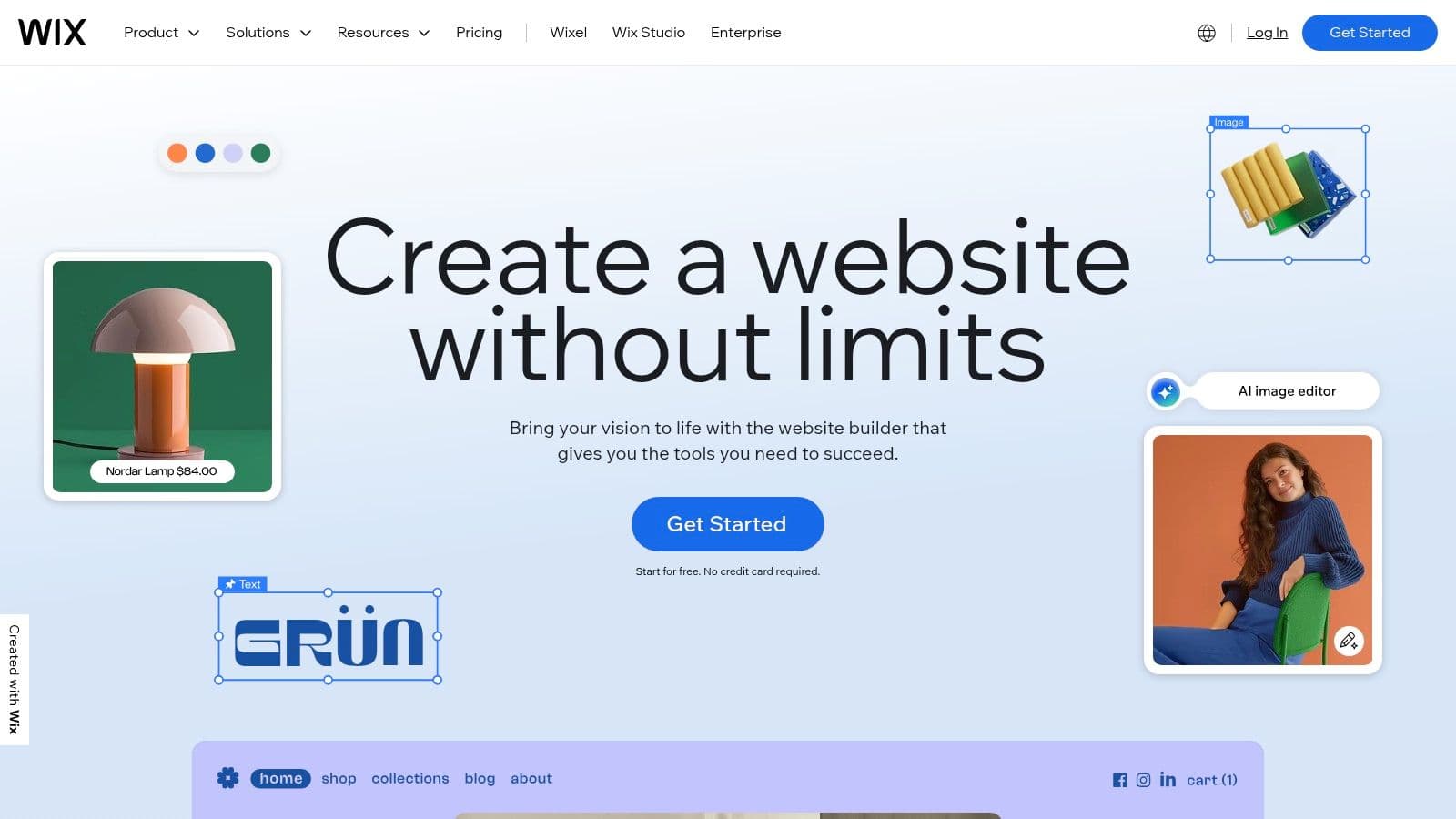
Wix is built for people who have never made a website. You pick one of thousands of templates (or let Wix's AI generate a first draft), then drag elements wherever you want them. In Wix Harmony, Wix's newest editor, you can also ask the built-in AI assistant, Aria, to generate or fix sections, and the layout is responsive automatically. One catch to know before you start: Wix doesn't let you change the template of an existing site, so changing your mind later means rebuilding on a new site.
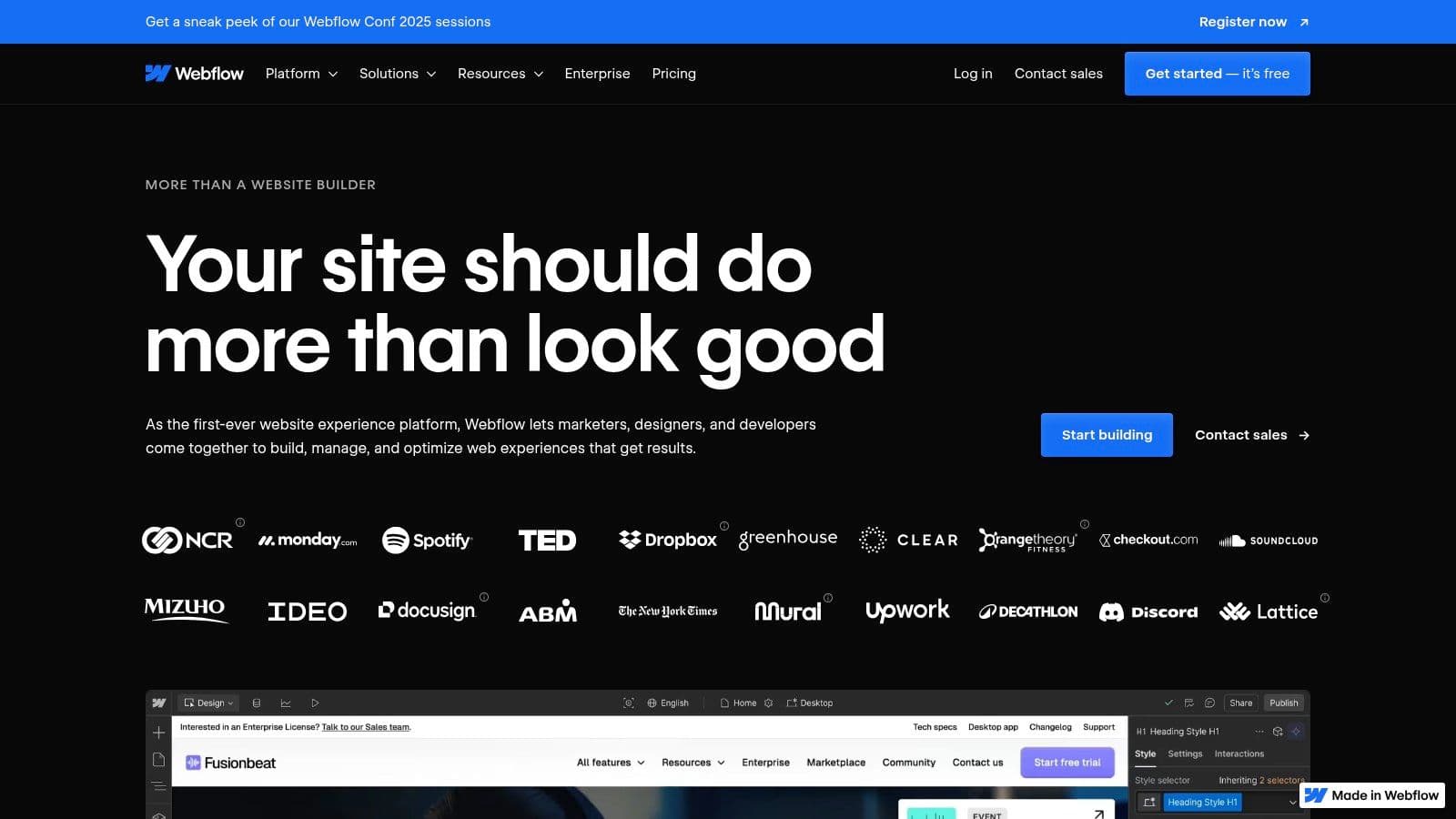
Webflow thinks like a web developer: boxes, classes, flexbox and grid, all controlled visually. That's why designers love it and why first-time users often stall. Expect to spend real time in Webflow University before you're productive, or budget for a designer. Once the site is built, editors can update text and publish CMS items without touching the design, which is what makes Webflow work well for marketing teams.
Design and flexibility
Webflow wins on design control. You build your own design system with reusable classes and components, and its Interactions editor (now powered by GSAP) handles scroll animations and timelines that Wix can't match. Custom code can go anywhere.
Wix wins on design speed. Templates look good out of the box, and Wix's absolute-positioning editor lets you place anything anywhere without understanding layout rules. The trade-off is that a site built by dragging things around can get messy on mobile, and you're tied to the structure of the template you started from.
If you want Webflow-level control but on Wix's platform, that's what Wix Studio is for; our Wix Studio vs Webflow guide covers that matchup.
Wix vs Webflow for SEO
Neither platform will hold back your rankings. Both give you editable titles and meta descriptions, clean URLs, automatic sitemaps, SSL, canonical tags and 301 redirects. The differences are in where the tools live and how much control you get.
| SEO feature | Wix | Webflow |
|---|---|---|
| Where to find it | Dashboard → SEO & GEO | Site settings → SEO, plus page settings |
| Guided setup | SEO Setup Checklist connects Search Console and submits your sitemap | No guided checklist; AI-powered SEO and AEO audit with suggestions |
| 301 redirects | URL Redirect Manager, created automatically when you change most page slugs | Built in, one by one or by CSV import |
| robots.txt | Editable | Editable |
| Structured data | Automatic for many page types, plus custom JSON-LD per page | Auto-generated schema markup, plus custom code |
| CMS-driven SEO fields | Dynamic page SEO patterns | Bind titles and descriptions to CMS fields |
| AI search tools | AI Visibility Overview (tests your brand in ChatGPT, Gemini and Perplexity) | AI SEO and AEO audit |
Sources: Wix Help Center and Webflow's pricing and feature comparison, October 2026.
Speed is the one ranking input a builder controls directly, and both do well. The HTTP Archive measures how many sites on each platform pass all three Core Web Vitals for real Chrome users:
Share of sites with good Core Web Vitals on mobile
Wix
178,000 sites
80.9%
Webflow
59,000 sites
71.3%
Squarespace
89,000 sites
71.0%
WordPress
2.66 million sites
48.3%
What about actual rankings? In Outrank's study of 2,119 sites that started publishing with Outrank, 92% of the 48 Wix sites and 72% of the 67 Webflow sites grew their Google clicks. Don't read that as "Wix ranks better": the Wix sites started from a much smaller base, and small numbers are easier to multiply. The real lesson is that sites on both platforms grew once they published consistently. Webflow customer AIApply, for example, grew its Google clicks 44% year over year (188,390 to 270,592 for May to July) while publishing through Outrank. Our Wix SEO guide covers every Wix setting, and our programmatic SEO in Webflow guide shows how far Webflow's CMS can go.
Pricing: Webflow vs Wix in 2026
Webflow charges per site, plus optional Workspace plans for teams. From Webflow's pricing page, in US dollars, billed yearly, as of October 2026:
| Webflow plan | Price | What you get |
|---|---|---|
| Starter (site) | Free | webflow.io subdomain, 2 static pages, limited CMS |
| Basic (site) | $15/mo | Custom domain, 300 static pages, no CMS |
| Premium (site) | $25/mo | Everything in Basic plus the CMS (20,000 items), site search; 50 GB bandwidth, more at extra cost |
| Ecommerce Standard | $29/mo | 500 items, 2% transaction fee |
| Ecommerce Plus | $74/mo | 5,000 items, 0% transaction fee |
| Ecommerce Advanced | $212/mo | 15,000 items, 0% transaction fee |
| Core / Growth (Workspace) | $19 / $49/mo | More staging sites, code export, collaboration and permissions |
Wix has a free plan (with Wix branding and a wixsite.com address) and four paid plans: Light, Core, Business and Business Elite. Paid plans add a custom domain (free for the first year), more storage and collaborators, and from Core up, payments and e-commerce. Wix sets prices by country and shows local prices on wix.com/plans, so check there for yours.
The practical difference: a simple Wix business site with bookings or a small store is one subscription. The equivalent Webflow site often needs a site plan, an e-commerce plan or third-party tools for bookings, and a designer's time.
E-commerce and business features
Wix is the stronger all-in-one business platform. Wix Stores, Wix Bookings, Wix Restaurants, Events, Pricing Plans and email marketing are native apps that share one dashboard, one contact list and one payment setup. A yoga studio, a salon or a small shop gets everything without integrations.
Webflow's e-commerce is design-first: you can fully customize the product pages, cart and checkout, which suits brands with a small, carefully presented catalog. Item limits (500 on Standard, 5,000 on Plus) and the 2% fee on Standard make it a poor fit for large catalogs; at that size, Shopify is the usual answer.
Blogging and content at scale
Both have a capable blog. Webflow's CMS is the more powerful of the two for structured content: you design one template per collection (blog posts, case studies, locations, integrations) and every item inherits it, with SEO fields bound to CMS fields. That's why SaaS and agency marketing sites often pick Webflow.
Wix's blog is easier to start with, includes categories, tags, multiple writers and member features, and can be paired with Wix CMS dynamic pages for structured content.
Outrank publishes to both. It connects to your Wix blog or your Webflow CMS and publishes a researched, internally linked article every day; across our customers, 100 Wix sites and 111 Webflow sites published through Outrank in the last 90 days. If you only need a blog and not a full site, Outrank Blogs runs a free blog on your own domain, and our guide to Wix alternatives covers other free options.
Webflow or Wix: which should you choose?
Four questions, scored on what matters most: who builds the site and what it has to do.
4-question decision helper
Webflow or Wix: which fits your business?
Question 1 of 4
Who will build the site?
Comparing more than these two? Our best CMS for SEO ranks ten platforms on the same controls, and Squarespace vs WordPress covers the other common shortlist.
FAQ
Is Webflow better than Wix?
Webflow is better for design-led marketing sites built by a designer, with lots of structured content in its CMS. Wix is better for small businesses that want to build the site themselves and need bookings, a store or marketing tools in one place. Neither is better in general; it depends on who builds and runs the site.
Is Webflow or Wix better for SEO?
Both cover the essentials: editable meta tags, sitemaps, robots.txt, 301 redirects, structured data and SSL. Wix adds more guided tools, like its SEO Setup Checklist and AI visibility reports, while Webflow gives you more control over page structure and CMS-driven SEO fields. In HTTP Archive data, 80.9% of Wix sites and 71.3% of Webflow sites pass Core Web Vitals on mobile.
Is Webflow more expensive than Wix?
Usually, once you add up the full cost. Webflow's site plans cost $15 or $25 a month billed yearly (October 2026), but e-commerce, team features and a designer's time cost extra. Wix has a free plan and paid plans that bundle hosting, bookings and payments; its prices vary by country.
Is Webflow harder to use than Wix?
Yes. Webflow uses web design concepts like classes, flexbox and grid, so most people need a few weeks of learning or a designer. Wix's drag-and-drop editor is usable within an hour, and Wix Harmony adds an AI assistant that can build and fix sections for you.
Can I move my site from Wix to Webflow?
There's no automatic migration. You rebuild the design in Webflow, import blog posts and other content into the CMS (Webflow accepts CSV imports), keep your URL slugs where you can, and add 301 redirects in Webflow for any URLs that change before you point your domain at the new site.