Squarespace is better if you want a good-looking site of a few dozen pages that you never have to maintain, and you're happy to pay $19 to $99 a month for it (billed annually, as of October 2026). WordPress is better if content and Google traffic are how you plan to grow, if you need features no builder offers, or if you want to own a site you can move anywhere. WordPress.com sits in between: WordPress software, managed for you, from $4 a month.
Neither platform ranks better by default. The difference is how much control you get over the things Google and AI search read, what you pay for that control in time, and how hard it is to leave. This comparison covers all of it with current prices, Squarespace's own documentation and real-user speed data, then a four-question picker.
Key takeaways
- WordPress runs 39.6% of all websites; Squarespace runs 2.4% (W3Techs, October 2026). That's about 16 times as many sites.
- Squarespace costs $19 to $99 a month billed annually, hosting and support included. WordPress.com costs $4 to $45 a month; self-hosted WordPress is free software plus hosting.
- Squarespace sites pass Core Web Vitals more often: 71.0% vs 48.3% for WordPress sites (HTTP Archive, September 2026).
- Squarespace automates sitemaps and structured data but won't let you edit them, or robots.txt. WordPress lets you control all three with a free plugin.
- Leaving Squarespace is hard: its export covers one blog and basic pages, not store pages, products or styles.
Squarespace vs WordPress at a glance
| Squarespace | WordPress (self-hosted, WordPress.org) | |
|---|---|---|
| What it is | All-in-one hosted website builder | Free, open-source CMS you install on your own hosting |
| Price (October 2026) | $19 to $99/month billed annually; 14-day free trial | Software free; you pay for hosting, domain, premium themes and plugins |
| Ease of use | Drag-and-drop editor (Fluid Engine), nothing to install | Block editor is easy; setup, hosting and updates are on you |
| Maintenance | None: Squarespace handles hosting, SSL, security, updates | You update core, themes and plugins and keep backups |
| Design | Polished templates, limited structural changes | Thousands of themes, full control with code or a page builder |
| SEO control | Good defaults, little you can override | Everything, via plugins like Yoast SEO or Rank Math |
| Speed (Core Web Vitals pass rate) | 71.0% of sites | 48.3% of sites (depends heavily on hosting and plugins) |
| E-commerce | Built in; 2% fee on the Basic plan, 0% on Core and up | WooCommerce plugin (free core, paid extensions) |
| Extensibility | Squarespace Extensions and code blocks (Core and up) | 60,000+ plugins |
| Leaving later | Partial export only | Full export; move to any host |
| Best for | Portfolios, restaurants, studios, small service businesses | Blogs, content sites, growing businesses, custom builds |
What is the difference between Squarespace and WordPress?
Squarespace is a website builder: one subscription gets you the software, the hosting, the templates, the SSL certificate and 24/7 support. You can't install it anywhere else, and you can't change how it works under the hood.
WordPress is a content management system: free, open-source software that runs 39.6% of all websites and 58.4% of sites with a known CMS (W3Techs, October 2026). Squarespace runs 2.4% of all sites. "WordPress" usually means the self-hosted version from WordPress.org, which you install on a hosting account you choose.
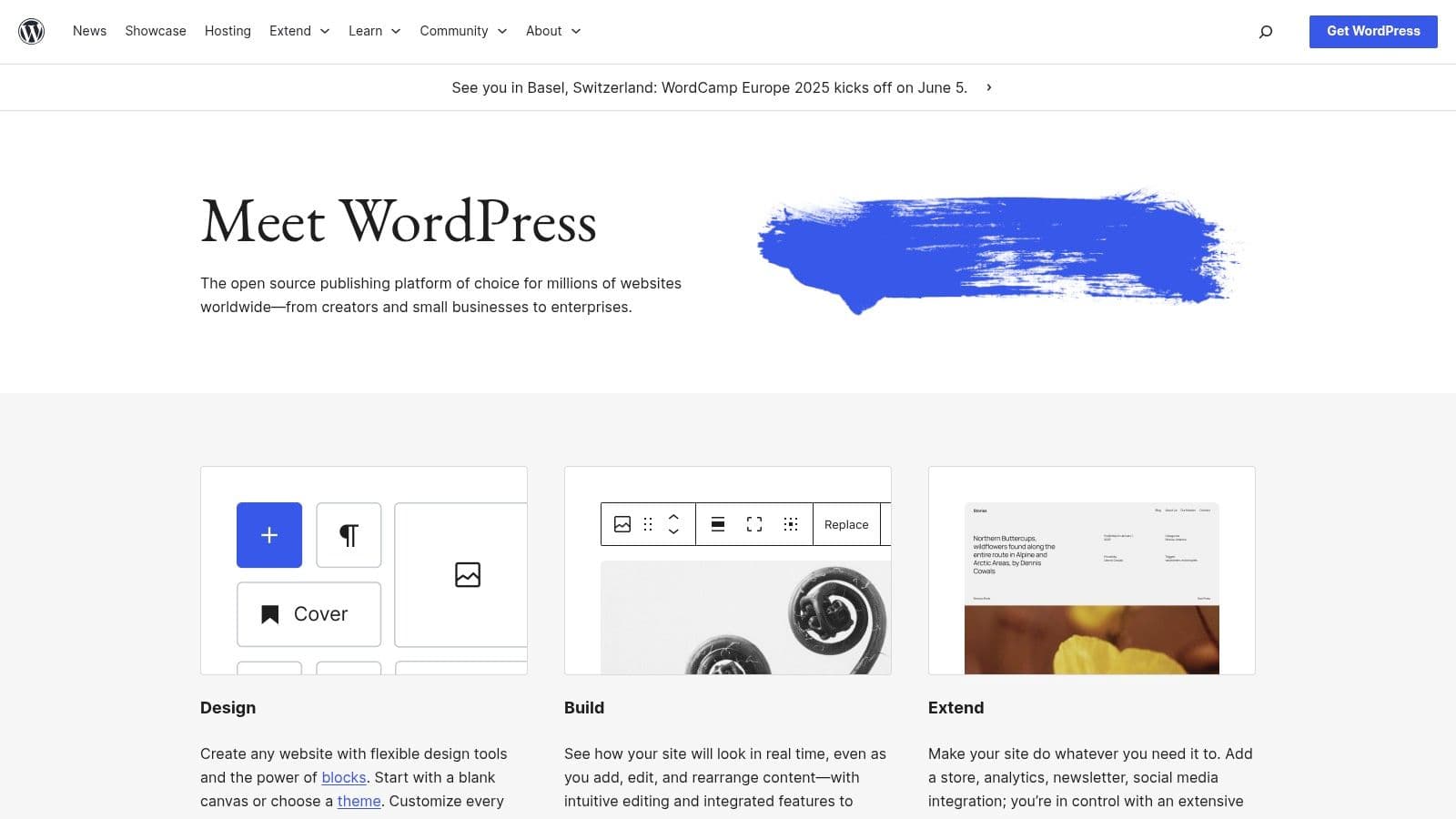
WordPress.com is a hosted service run by Automattic that runs the same WordPress software for you. It's the closest WordPress gets to the Squarespace model: you pay a plan, and hosting, updates and security are handled. As of October 2026, every paid WordPress.com plan can install plugins, which removes what used to be its biggest limitation.
So the real comparison is three-way:
39.6%
of all websites run on WordPress
W3Techs, October 2026
2.4%
of all websites run on Squarespace
W3Techs, October 2026
71.0%
of Squarespace sites pass Core Web Vitals on mobile
HTTP Archive, September 2026
48.3%
of WordPress sites pass Core Web Vitals on mobile
HTTP Archive, September 2026
Cost: what Squarespace and WordPress really cost in 2026
Squarespace pricing
Prices from Squarespace's pricing page in US dollars, as of October 2026. Annual billing includes a free domain for the first year.
| Plan | Billed annually | Billed monthly | Online store fee | Key limits |
|---|---|---|---|---|
| Basic | $19/mo | $25/mo | 2% per sale | 2 contributors, no code injection or advanced code blocks |
| Core | $29/mo | $39/mo | 0% | Unlimited contributors, code injection |
| Plus | $49/mo | $65/mo | 0% | Lower card processing rates |
| Advanced | $99/mo | $139/mo | 0% | Lowest card rates, advanced commerce |
Card processing through Squarespace Payments is extra on every plan (from 2.9% + $0.30 on Basic and Core down to 2.5% + $0.30 on Advanced, in the US). Many sites end up on Core, because Basic blocks code injection, which you need for things like analytics pixels and chat widgets.
WordPress pricing
Self-hosted WordPress has no license fee. Your costs are a domain, hosting (from cheap shared plans to managed WordPress hosting), and any premium theme or plugins you choose. That makes it the cheapest option for a simple site and an open-ended one for a complex site: the bill depends on your host and your plugin list.
If you want WordPress without running a server, WordPress.com's plans are, as of October 2026:
| WordPress.com plan | Billed annually | Billed monthly | Notable |
|---|---|---|---|
| Free | $0 | $0 | WordPress.com ads, subdomain only |
| Personal | $4/mo | $9/mo | Custom domain, no ads, plugins |
| Premium | $8/mo | $18/mo | Payments, 13 GB storage |
| Business | $25/mo | $40/mo | Advanced tools, priority support |
| Commerce | $45/mo | $70/mo | Full WooCommerce store |
Verdict on cost: for a small brochure site, WordPress.com Personal or cheap hosting beats Squarespace Core on price. For a site that needs a store, bookings and support in one bill, Squarespace's all-in pricing is easier to predict. For a WordPress site with many premium plugins, costs can pass Squarespace's.
Ease of use and maintenance
Squarespace wins here, and it isn't close. You pick a template, edit pages in the Fluid Engine drag-and-drop editor, and you're done. There's nothing to update, no plugin conflicts, no backups to configure, and support is available 24/7.
WordPress's block editor is easy enough for writing and editing pages, and block themes let you design headers, footers and templates visually in the Site Editor. The work is everything around it: choosing a host, installing WordPress, picking a theme, keeping core, themes and plugins updated, and fixing the occasional plugin conflict. If you've never done it, our guide to whether WordPress is easy to learn is an honest look at the learning curve, and how to start a WordPress blog walks through setup.
Squarespace vs WordPress for SEO
Both can rank. Google doesn't favor either platform, and plenty of Squarespace sites outrank WordPress sites for local and niche searches. The difference is control: Squarespace makes good decisions for you and won't let you change most of them, while WordPress lets you change everything (and break everything).
| SEO control | Squarespace | WordPress |
|---|---|---|
| XML sitemap | Automatic, not editable | Built in since WordPress 5.5; plugins add control |
| robots.txt | Managed by Squarespace; only a checkbox to ask AI crawlers to stay out | Fully editable (plugin or file) |
| Page titles, meta descriptions, URL slugs | Yes, per page | Yes, per page, plus templates for bulk control |
| 301 redirects | URL mappings (Settings → Developer tools → URL mappings); not created automatically when you change a slug | Free plugins (Rank Math, Redirection) |
| Structured data | Automatic (blog post, event, local business, organization, product, website); can't be edited or removed | Full control with Yoast SEO, Rank Math or custom JSON-LD |
| Canonical tags | Automatic | Automatic, overridable per page |
| Image alt text | Uses the image description (or the file name if empty) | Per image |
| Speed | Managed hosting; 71.0% pass Core Web Vitals | Depends on hosting and theme; 48.3% pass |
Sources: Squarespace's built-in SEO documentation and AI crawler settings; HTTP Archive Core Web Vitals Technology Report, September 2026.
What that means in practice:
- Under about 50 pages, Squarespace's defaults are enough. Write unique titles and descriptions, add alt text, keep URLs clean and you're covered. Squarespace's SEO report tool (7.1 sites) flags missing alt text and descriptions.
- For content-led growth, WordPress's control matters. Once you publish hundreds of posts, you'll want to control which pages get indexed, fine-tune schema for articles, FAQs or how-tos, manage redirects in bulk and build internal linking at scale. WordPress does all of that with free plugins; Squarespace does little of it.
- Speed is Squarespace's quiet advantage. WordPress's lower Core Web Vitals pass rate comes from millions of sites on cheap hosting with heavy themes, not from WordPress itself. A WordPress site on good hosting with a light theme passes easily, but it's your job to make that happen.
For a wider view of how other platforms compare on the same controls, see our best CMS for SEO comparison.
E-commerce: Squarespace Commerce vs WooCommerce
Squarespace's store is built in: products, inventory, checkout, Apple Pay, Klarna and Afterpay through Squarespace Payments, and abandoned-cart recovery emails on every plan. Avoid the Basic plan if you sell, because of its 2% transaction fee; Core and above charge 0% (card processing still applies).
WordPress sells through WooCommerce, a free plugin with paid extensions for subscriptions, bookings and more. It scales further and lets you choose any payment provider, but you run the store's updates, security and performance yourself (or use WordPress.com Commerce at $45 a month billed annually).
If selling is the main point of the site, compare both against Shopify, which runs 5.3% of all websites; our Shopify SEO experts guide covers what it does well for search.
Blogging: where WordPress pulls ahead
WordPress started as blogging software and it shows: categories, tags, authors, scheduling, revisions, comments and RSS are core features, and any SEO plugin adds article schema and indexing controls.
Squarespace's blog handles the basics well, but it has two practical limits for a content-heavy site. Its export only includes one blog page, and its SEO controls stop at titles, descriptions and slugs.
If organic traffic from articles is your plan, the platform matters less than publishing steadily. In Outrank's study of 2,119 sites, 74% of the 473 sites publishing through our WordPress plugin and 83% of the 81 sites using the WordPress REST API grew their Google clicks. Outrank publishes to WordPress automatically; it doesn't publish to Squarespace. If your main site is on Squarespace and you only need a blog, Outrank Blogs hosts one for free on your own domain, for example on a subdomain like blog.yourbrand.com.
Leaving later: ownership and portability
This is the point most comparisons skip, and it's the one people regret.
WordPress is open source. You can export everything, move to any host, change themes without losing content, and hire from the largest pool of developers on the web.
Squarespace offers an export to a WordPress-format .xml file. According to Squarespace's export guide (updated October 9, 2026), it includes layout pages, one blog page with its posts and comments, text and image blocks, and 7.0 gallery pages. It does not include store pages and product blocks, portfolio, index and album pages, more than one blog, video and audio blocks, drafts, style settings or custom CSS. Squarespace also notes that images may not survive an import into self-hosted WordPress and suggests importing through WordPress.com, which copies them.
If you think you might outgrow your site within two or three years, factor in a rebuild if you start on Squarespace.

Squarespace or WordPress: which should you choose?
Answer four questions. The picker weighs what you're building and who maintains it most, because those decide more than any feature list.
4-question decision helper
Squarespace or WordPress: which fits you?
Question 1 of 4
What are you building?
Still weighing other builders? Our comparisons of Webflow vs Wix and Wix Studio vs Webflow cover the design-led options, and if you only need a blog, see the best Squarespace alternatives and WordPress alternatives for free hosted blogs.
FAQ
Is Squarespace better than WordPress?
Squarespace is better for small sites whose owners want no maintenance and strong design out of the box, like portfolios, restaurants and service businesses. WordPress is better for content-heavy sites, custom features and anyone who wants full control or might move the site later. Neither ranks better on Google by default.
Is Squarespace or WordPress better for SEO?
WordPress gives you more SEO control: editable robots.txt, full structured data control, bulk redirects and indexing rules through free plugins like Yoast SEO or Rank Math. Squarespace handles sitemaps, structured data and SSL automatically and its sites pass Core Web Vitals more often (71.0% vs 48.3%), but you can't edit most of those settings. For a small site, Squarespace's defaults are enough; for a large content site, WordPress's control wins.
Is WordPress cheaper than Squarespace?
Usually, yes. WordPress.com plans start at $4 a month billed annually and self-hosted WordPress is free software plus hosting, while Squarespace starts at $19 a month billed annually (as of October 2026). A WordPress site with many premium plugins and managed hosting can end up costing more than Squarespace.
Can I move my site from Squarespace to WordPress?
Partly. Squarespace exports a WordPress-format .xml file with layout pages, one blog with its posts and comments, and text and image blocks. Store pages, products, portfolio pages, extra blogs, video blocks and styles don't export, so plan to rebuild those, and import through WordPress.com if you want your images copied across.
What's the difference between WordPress.com and Squarespace?
Both are hosted, so neither needs you to manage a server. WordPress.com runs WordPress software, so you get its plugins, themes and blogging tools, and can move to self-hosted WordPress later; Squarespace is a closed builder with stronger templates and design tools but limited export. WordPress.com is also cheaper at the entry level ($4 vs $19 a month billed annually).
Which is easier to use, Squarespace or WordPress?
Squarespace. Everything (hosting, security, updates, support) is included and pages are built with drag and drop. WordPress's editor is easy too, but you're responsible for hosting, updates, backups and plugins unless you use WordPress.com.